There are four ways to start the free version of BikeCAD. But before we get into that, we should understand that the key to navigating the site is to use the menu accessible from the icon shown below:

In the menu, you will find a link for BikeCAD Online (Free). This takes you to a page where you can choose from a road bike or a mountain bike. For a greater selection of designs, we have our second option which is to go through the Design Archive where you can choose from thousands of bicycle designs contributed by other BikeCAD users. Once you've saved some of your own designs, you'll find them all in the My Designs menu which is the third approach to launching BikeCAD. Finally, if you have an old BCAD file saved to your local machine, you can upload that to the site using the Upload a BikeCAD file option.
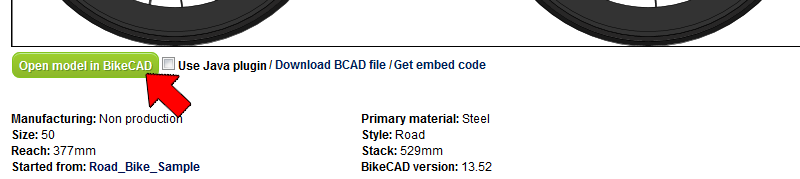
If you choose to start BikeCAD through the Design Archive or from My Designs, simply click on a design from the archive that you'd like to use as a starting template for a new design variation. Below the image of the bike, you'll see a link to open the model in BikeCAD. Click this link to launch BikeCAD.