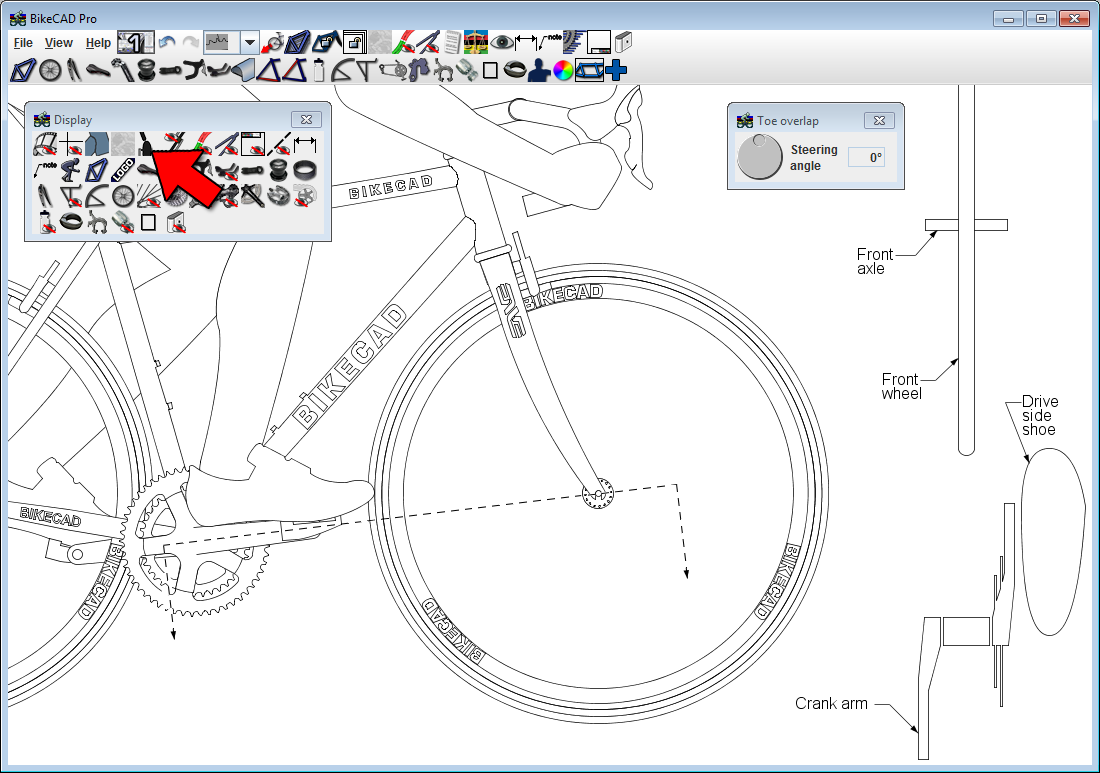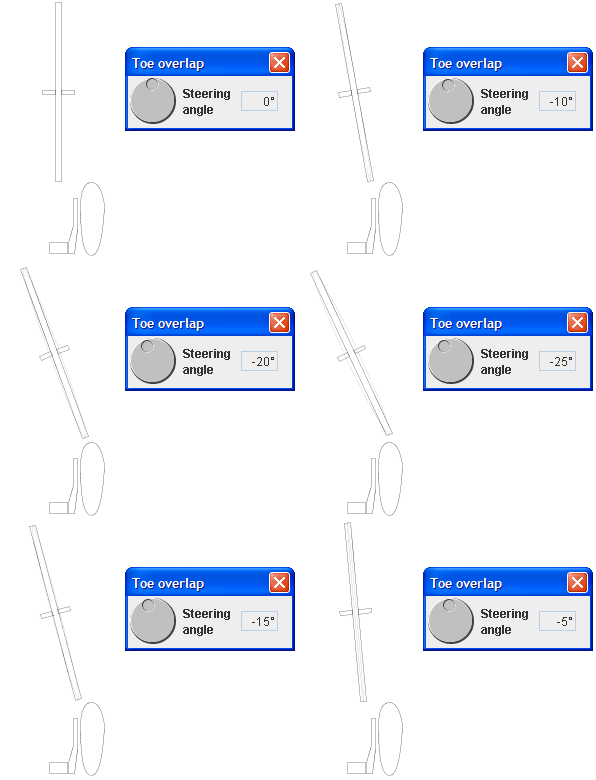
The Toe overlap dialog box can be opened by selecting the Toe overlap icon in the Display Dialog box. When the Toe overlap dialog box is open, BikeCAD Pro displays a top view of the wheel and the shoe. The dial in the dialog box controls the steering angle of the front wheel. You can turn the dial to see if the wheel overlaps the shoe at any point along its path. Be careful to ensure that you have selected a shoe that accurately reflects the dimensions of the shoe you will be using and also that you have modeled the cleat position on the shoe in the model to reflect the cleat position on the real life shoe.
The diagram below shows where the cross section is taken. Notice that this is NOT the worst case scenario. In reality, it would be possible to get more interference by rotating the toe of the shoe downwards. BikeCAD does not model this condition.