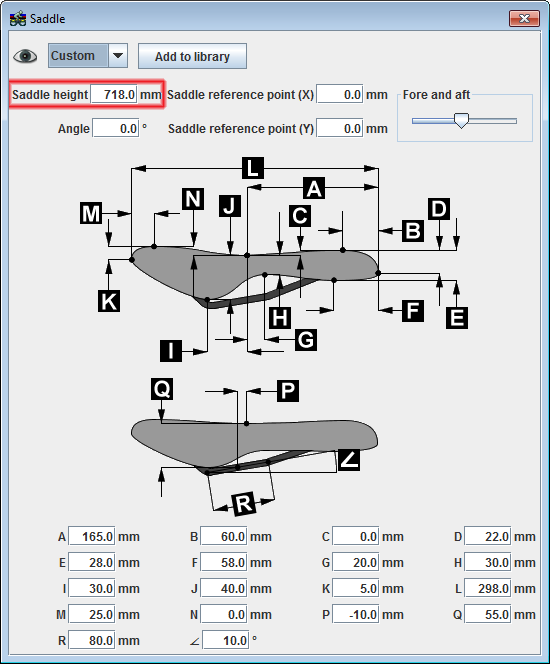
To change the saddle height, click on the Saddle icon  to launch the Saddle dialog box. Saddle height is the first input field in the dialog box. Don't forget to hit enter after changing the value. BikeCAD version 10.5 introduced two additional options for locating the position of the saddle.