
Paul Smith Linux OS Test (Model year: 2024)
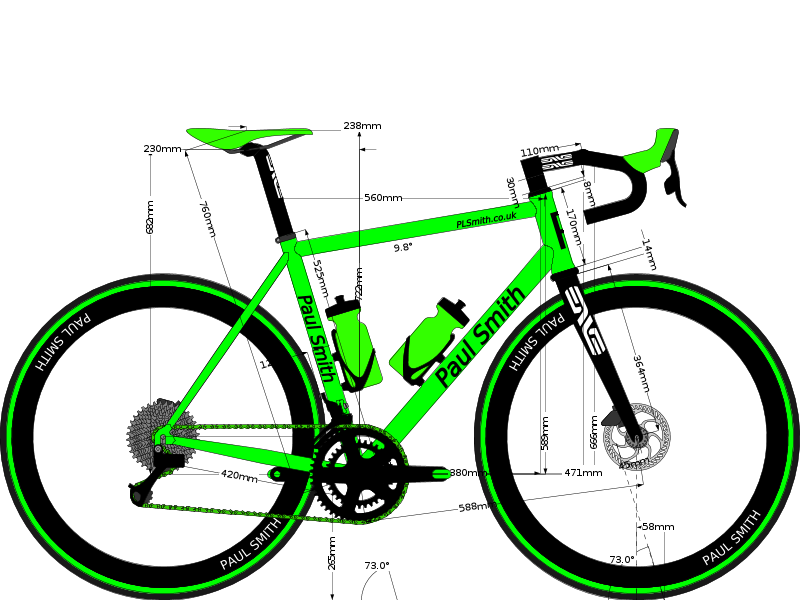
Download BCAD file / Get embed code
/ More info:
Made to test BikeCAD Pro, using 'Linux Mint Cinnamon' :
| Manufacturing: Non production Size: 56 Reach: 380mm Started from: Uploaded file | Primary material: Titanium Style: Road Stack: 589mm BikeCAD version: 20.60 |
Add new comment (3)
Installation of Linux Mint Cinnamon
I found the installation then opening differed to the BikeCAD Tutorial. The following is what I personally had to do on a laptop running ‘Linux Mint Cinnamon’.
1. From your own BikeCAD account Download the ‘BikeCADPro_20.6_Linux.zip’ to your computer.
2. Right click on that Zip folder and ‘Extract to….’ your location of choice
3. Open that folder - Text file, copy the following listed text:
java -jar "bikeCADPro.jar"
4. Navigate back to the ‘BikeCAD Pro 20.6’ folder, right click and select ‘Open Terminal Here’. In the ‘Terminal’ box that opens right click and paste java -jar "bikeCADPro.jar". BikeCAD for me then opens and works as designed.
……………………………………………….
I actually tried three versions of Linux:
Zorin Lite: I couldn’t get BikeCAD to even open, each time there was an error code when loading.
Linux Mint Xcfe: Worked but needed to open ‘Open as Root’ prior to ‘Open Terminal Here’, if not rooted although it opened BikeCAD was very unstable, normally freezing after a few clicks.
Linux Mint Cinnamon: Worked perfectly.
Installing on Linux
Thanks for the feedback. I think the main issue with the older instructions for installing on Linux is that newer versions of Linux won't necessarily have the Java Runtime Environment preinstalled. The more recent instructions for installing on a Chromebook can help with that. The command for installing the default JDK is: sudo apt-get install default-jdk. Currently, the Linux version of BikeCAD requires Java 11 or newer.
Thanks Brent, I have updated review
Thanks Brent, I have updated my review to reference the Java update via the Linus Terminal, fonts aside it uploads as created