
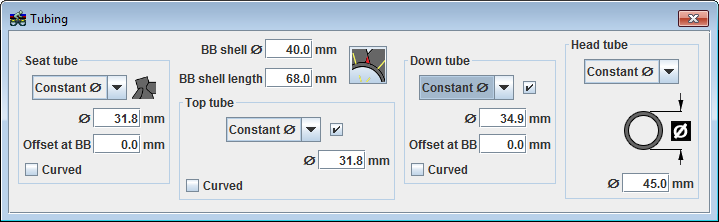
Tubing profiles can be controlled in the Tubing dialog box accessible from the  icon.
icon.
The options for tube profiles are constant diameter, variable diameter and aero profile. The variable diameter option allows for a unique diameter at either end of the tube. Each end can actually be elliptical as well. In the case of the head tube, the variable diameter option allows for three different diameters along the length of the tube, plus control over taper lengths. The aero profile is not an option for top tubes.
Chain stay and seat stay profiles are controlled in the Chain stay and seat stay dialog boxes.